Landing Page Video Must Protect Message and Performance
A hero video fails when visitors wait to understand the page. Movement can support a value proposition, but it should not delay the headline, reduce contrast, consume the loading budget, or ignore people who prefer less motion. An AI Video Generator belongs inside a page-performance plan, not above it.
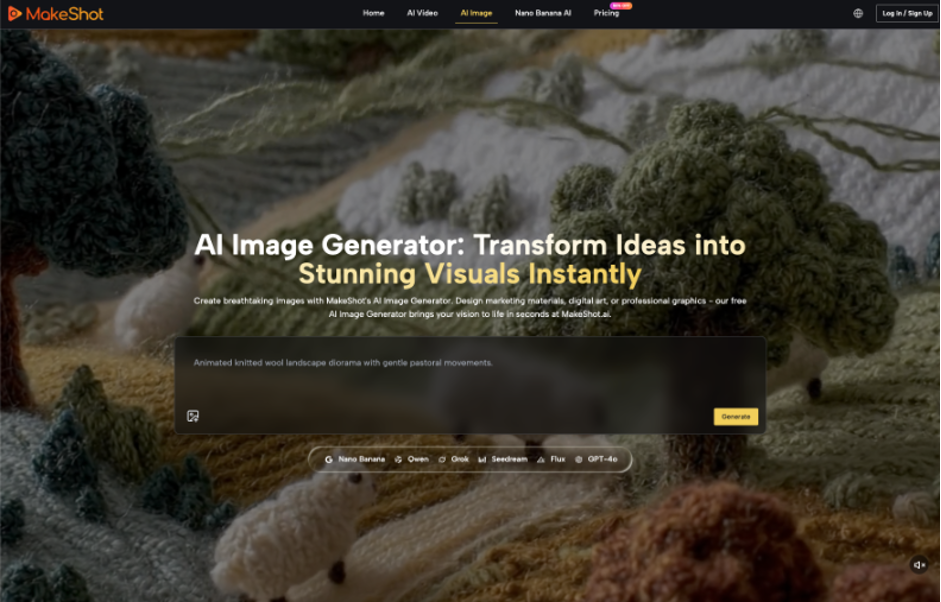
Consider a hypothetical campaign page for a browser workspace. The message is “turn one product image into a short promotional concept.” The hero needs to show the source becoming a simple motion study without presenting an invented interface as the product. MakeShot can create the visual asset; the page team must decide what the first screen communicates before the clip arrives.
Lock the First-Screen Message Before Making Motion
Write the headline, supporting sentence, and primary action in live page text. Load them independently of the video. A visitor should understand the offer when the clip is blocked, paused, slow, or absent. This turns video into evidence or atmosphere rather than the only carrier of meaning.
Create the no-video first screen before commissioning motion and keep it as the baseline. Measure when the headline and action become usable, capture its visual hierarchy, and then add the clip. The comparison shows the actual cost and benefit of movement instead of treating a moving hero as the default.
Give the Hero Clip One Supporting Job
The clip may show the relationship between a still and motion. It should not also explain pricing, demonstrate every feature, introduce a testimonial, and carry the call to action. One job produces a shorter brief and a clearer reason to reject decorative shots.
Keep Product Claims Outside Invented Interfaces
If the hero includes a browser or editing screen, use an authorized capture or a clearly stylized concept that cannot be mistaken for the live product. Generated buttons, labels, and results create expectations the page may not support. Text overlays should remain editable HTML where possible.
Set a Message-First Performance Budget
The budget should cover file weight, loading behavior, duration, dimensions, poster frame, contrast, and reduced-motion fallback. Exact thresholds depend on the site and audience, so test the complete page on representative devices and connections rather than treating one compressed master as proof.
| Budget item | Question | Fallback | Reject signal |
| Initial load | Does text render first? | Poster or still | Video blocks comprehension |
| Contrast | Is live copy readable throughout? | Overlay or quieter crop | Bright frames erase text |
| Motion preference | Can movement be reduced? | Static approved image | No usable alternative |
| Mobile crop | Does subject survive? | Dedicated small-screen asset | Claim-bearing detail leaves frame |
Choose the Poster Frame as a Real Asset
Do not accept an arbitrary first frame. The poster must preserve the subject, support text contrast, and communicate the same promise as the motion. Export and review it separately because many visitors will see it longer than the moving clip.
Choose a quiet final hold that can also supply the poster when appropriate. This reduces a jarring switch between a static image and autoplay. If the generated clip cannot produce a truthful stable frame, create the poster from the authorized source rather than extracting a distorted transition.
Design the Reduced-Motion Experience Deliberately
Use a verified still or controlled final frame when motion is reduced. The fallback should not be a blank background or half-rendered transition. Test the page setting and operating-system preference so the experience works in practice rather than only in design notes.
Test the Page as a System
Review the hero on a slow connection, an ordinary phone, and a desktop display. Check when the headline appears, whether layout shifts, how quickly the call to action becomes usable, and whether text remains readable over every frame. A beautiful export can still be a poor web asset.
Separate Video Quality From Page Quality
A slightly softer clip that loads reliably may outperform a sharper file that stalls. A dramatic scene that works alone may compete with the headline. Score the complete first screen for comprehension, stability, accessibility, and action before discussing cinematic polish.
Ask a fresh viewer what the page offers after five seconds with sound off. Repeat with the video disabled. If the answers differ materially, the page depends too heavily on motion. Adjust the live message or simplify the clip until both routes preserve the offer.
Pair that comprehension test with page measurements such as loading milestones, layout stability, and interaction readiness. The goal is not to attribute every change to one file but to observe whether the complete first screen improved. Compare the same page version, device class, and network condition before drawing a conclusion.
Monitor the live page after launch. A content system may serve a different file, a browser may block autoplay, and mobile cropping may change. Keep the approved poster, video, reduced-motion still, and performance notes under the same release ID.
Repeat the first-screen test after consent banners, chat widgets, or campaign tags are enabled. Those additions can compete for loading and attention even when the video file itself has not changed.
Give MakeShot exports a handoff that includes dimensions, duration, intended crop, poster, fallback, source rights, and verified message. The web team should not have to infer which file is mobile-safe or whether text inside the clip is authoritative. Clear delivery prevents late optimization from breaking editorial review.
Review campaign changes before reusing the hero. A new headline may conflict with the old visual sequence, while localization may make embedded text unusable. Keep MakeShot motion replaceable so the page can evolve without retaining a clip whose promise no longer matches.
Define ownership after launch. The content editor owns the message and poster, the web team owns loading behavior and responsive crops, and the campaign owner approves replacement. Without that split, a performance optimization can introduce an unreviewed frame or a creative update can restore an oversized file.
Compare the hero with downstream behavior carefully. A lower conversion rate does not prove the video caused it, and a higher rate does not validate every visual claim. Use controlled page versions where practical and retain qualitative comprehension checks alongside analytics.
Retire assets when the product interface, offer, or campaign promise changes. A technically efficient old clip can still mislead. Version the hero with the page release so the team can trace which motion, poster, copy, and fallback visitors received together.
Keep a performance-safe still ready for incidents and high-traffic moments. If the video delivery path fails or a campaign spike exposes slow loading, the team can switch to an already approved fallback without creating a new first-screen message under pressure.
Let Comprehension Decide Whether Motion Stays
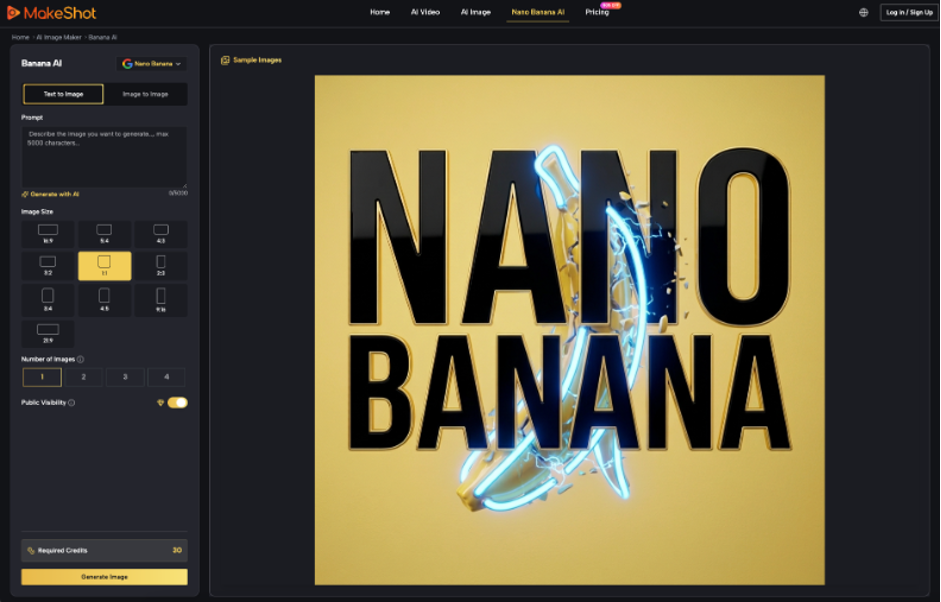
An AI Video Generator can create a focused hero asset quickly, but MakeShot does not decide page architecture, accessibility, source rights, or performance acceptance.
Keep the clip when it clarifies the promise without delaying it. Replace it with the poster when the page becomes faster, calmer, or easier to understand. A landing-page hero earns motion only through the complete visitor experience.